The full walkthrough

From yes to lit up, in about a week.

Every step, in order, with the real thing at each one. The point of this page is not what the product does — it is what it costs you in time, which is almost nothing.

YouRoughly ten minutes of your attention, total, spread over a week.
WeEverything else — content, hardware, install, and keeping it running.
Day 0

You pick a plan

YouTwo minutes and a card on file.
WeNothing is charged until the screen is on your wall and playing.
Day 0

You tell us three things

YouYour logo, your hours, and the three things you actually want people to book.
WeThat is the whole brief. We do not send you a content questionnaire.
Day 2

Your first content set is ready

YouLook at six designs. Say yes, or tell us what to change.
WeSix creatives, built for your business — three for the street, three for the room. Designed to your branding, not dropped into a template.
Day 5

The box arrives

YouSign for it. Leave it where it is.
WeOne screen, two faces, already configured, your content already loaded.

It is one unit, not two screens back to back. The street sees one picture, the room sees a different one.

Install day

We mount it

YouPoint at the window. Under an hour, and we work around your patients.
WeMount, power, and the one thing that matters: the face with the light sensor goes toward the street, so the screen reads the daylight instead of your wall.
Minute 1

It turns itself on

YouNothing.
WeNo laptop, no app store, no login on the screen. Power on and it is playing. Power cut at 3am, it comes back by itself.
Minute 2

You claim it from your tablet

YouA code appears on the glass. Tap it once. Name your screens.
WeThe tablet is included and it is the only thing you ever need to touch.
Every week after

New content just appears

YouNothing, unless you want to.
WeA fresh set lands on the screen on schedule. You can approve it first if you would rather, but the default is that it happens without you.
Any time

You change your mind

YouOpen the tablet, tap a design, tap the screen it goes on.
WeIt is on the glass in about ten seconds. Cancellation this morning? Put it in the window before lunch.
What goes on the glass

Six designs, your business.

These are the real creatives running in a real store today — not templates with a logo dropped in. Three face the street, three face the room, and they are never the same picture at the same time.

Street face — Top dealsStreet
Street face — Laundry pairStreet
Street face — PackagesStreet
Inside face — ReviewsInside
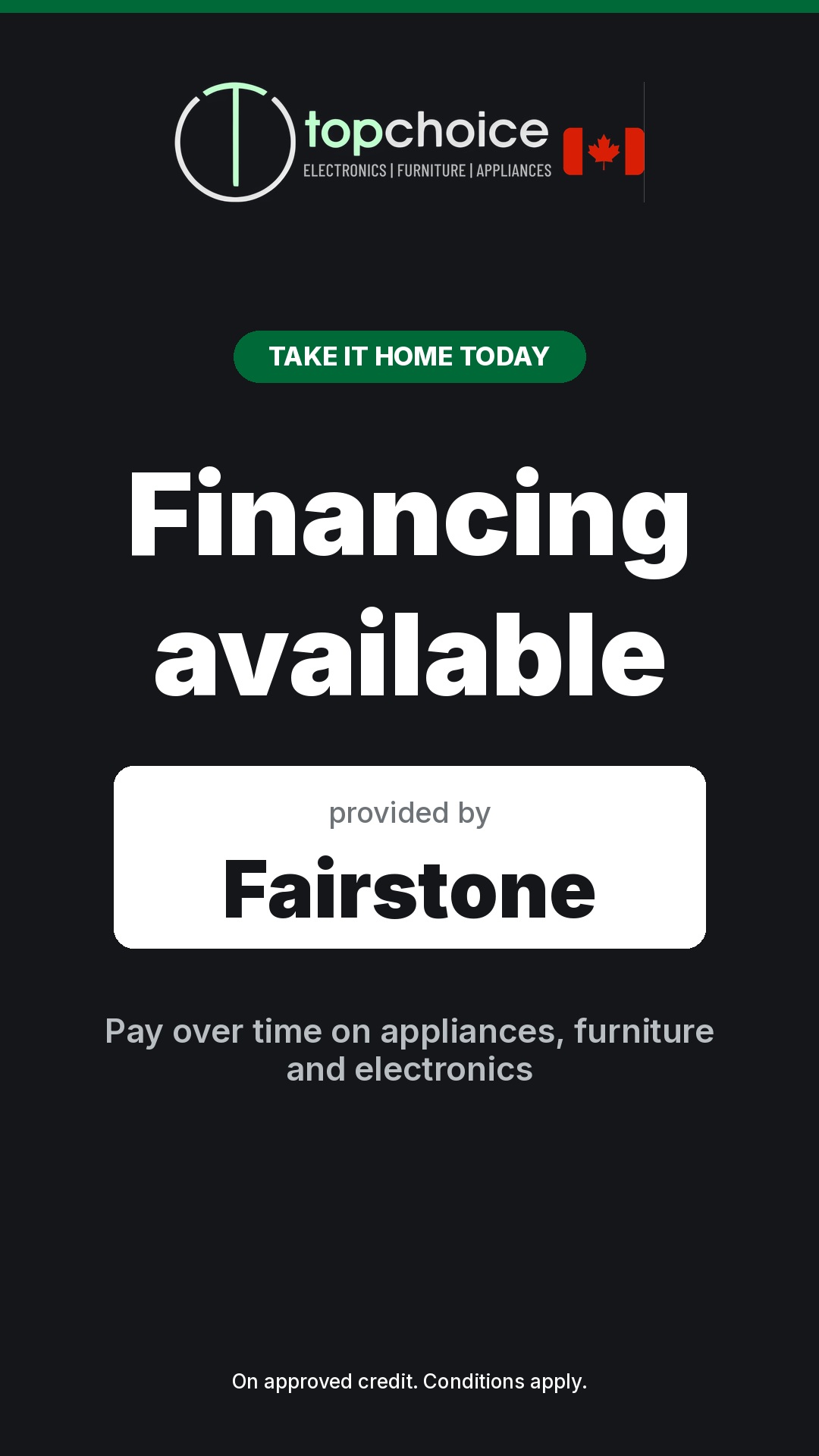
Inside face — FinancingInside
Inside face — Payment plansInside

Top Choice Electronics, Toronto — installed and running.

Running, right now

This is one screen.

Walk past the street face, round the unit, and the inside face is showing something else entirely. One box, one power cable, one monthly fee.

When something goes wrong

Because eventually, something will.

Every screen you have ever seen frozen in a window was left that way because nobody was watching it. This one watches itself.

The screen watches itself

If the player ever stops, the unit restarts it on its own. Nobody has to notice, and nobody has to call us.

You can see both faces

Your tablet shows each side and when it last checked in. You do not have to walk outside to know the street face is alive.

We see it before you do

A screen that goes quiet raises a flag on our side. The first you hear about it should be us telling you it is fixed.

Ten minutes of your time, once.

That is the whole ask. We build the content, we bring the screen, we mount it, and we keep it running. You point at the window.